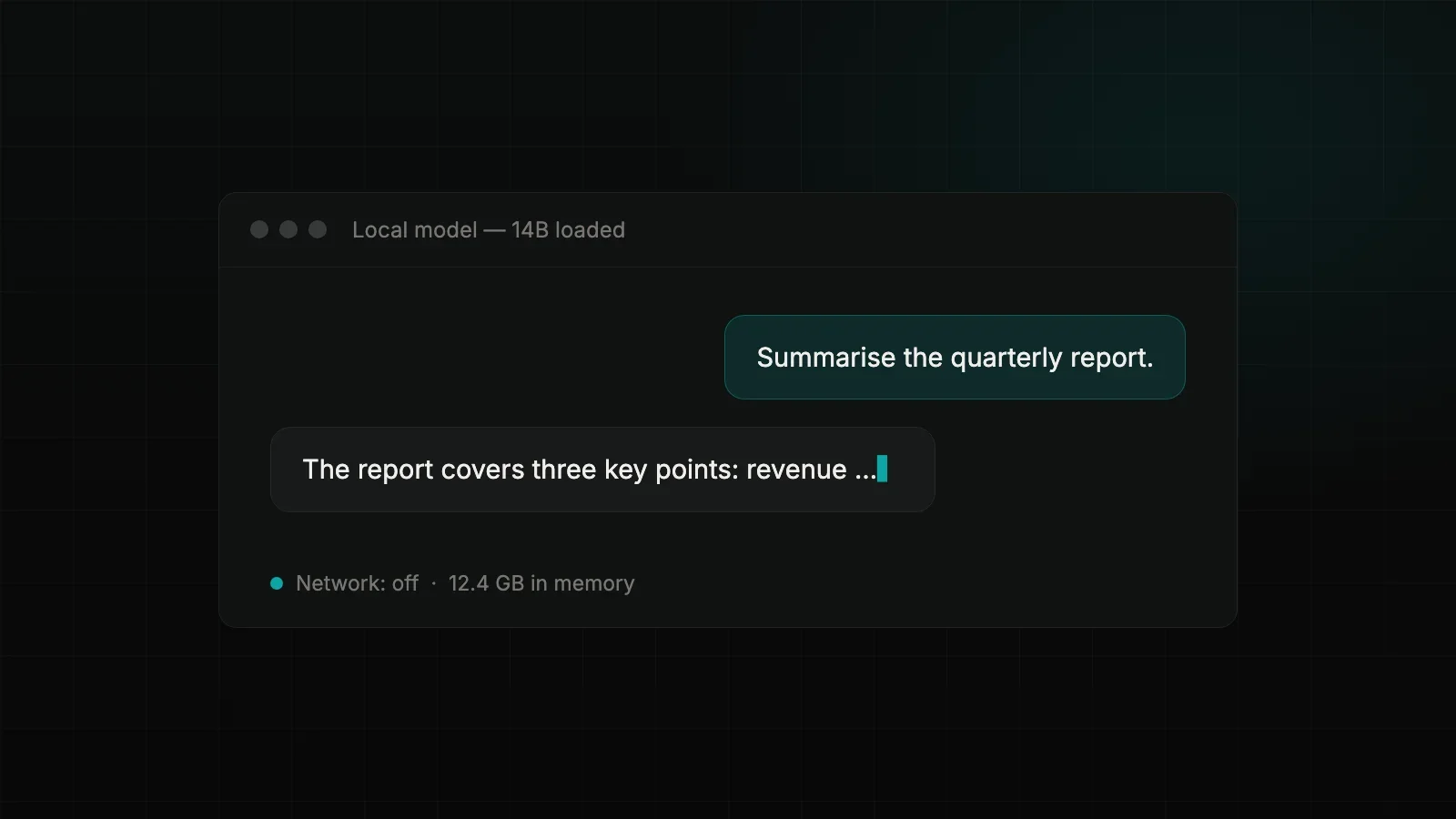
The most inconspicuous route to AI of your own is probably sitting on your desk already. Macs with Apple Silicon share their memory between processor and graphics unit — exactly what large language models need. A 16 GB machine runs smaller models fluently; with 32 or 64 GB it becomes a serious AI workstation, with no cloud involved.
Choosing a tool: two good routes
LM Studio is the friendliest way in: a desktop application in which you browse models, download them and use them in a chat interface. Before you download, it tells you whether a model will fit into your memory — which removes the most common beginner's mistake. On request, LM Studio also exposes the model as a local server so other programs can talk to it.
Ollama is the command-line counterpart: one command to download, one to run. If you want to wire models into your own scripts and tools, this is the place. Under the bonnet both use the same technology; the choice is a matter of taste, not doctrine.
Both tools draw on the same pool of open models — Llama, Mistral, Qwen, Gemma and many more, in dozens of sizes and variants.
Which model fits which Mac
The models come quantised — compressed with a small loss of precision. As a rough everyday guide:
- 16 GB RAM — models up to about 8 billion parameters: fluent, and genuinely useful for summaries, email drafts and straightforward questions.
- 32 GB RAM — models around 12 to 30 billion parameters: noticeably more assured with longer texts and more complex tasks.
- 64 GB and up — large models from 70 billion parameters: for much office work, the quality becomes hard to tell apart from a cloud service.
More important than raw size is fit: a mid-sized model that sits entirely in memory is more pleasant to work with than a large one that does not.
The first afternoon
- Install LM Studio (or Ollama, if you prefer the terminal).
- Load a mid-sized model the application recommends for your memory.
- Give it real but uncritical work: summarise a report, draft a letter, have a contract clause explained.
- Then switch off the Wi-Fi and carry on working. It keeps going — that is the point.
What this replaces, and what it does not
Realistically, a local model replaces the cloud chat for a large share of daily writing and comprehension work — specifically the share involving confidential material that should never have gone to an outside service in the first place. For the hardest tasks, the gap to the commercial frontier models remains visible.
Things get interesting at the next step: the same local server that LM Studio or Ollama provides is the foundation for a system that answers questions from your own document base. What began as an experiment on a desk becomes infrastructure — in your own house, under your own control.